QPrompt
Teleprompter App
Free and open source teleprompter
made for productivity &
smooth performance

About QPrompt
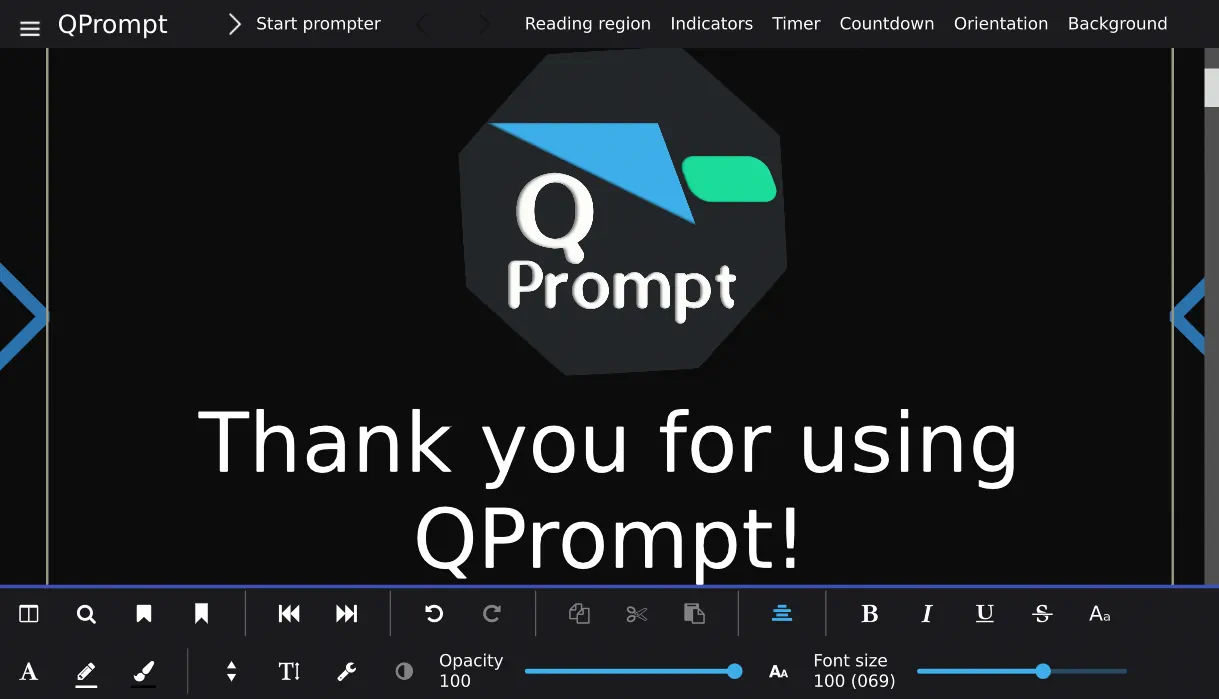
QPrompt is a free, high-quality, feature-rich, open source teleprompter app, made with ease of use, productivity and smooth performance in mind. It aims to solve the needs of teleprompter operators working in the events industry and of video content creators working individually or in small teams.
Downloads for QPrompt 2.0.2
Linux
macOS
Windows
Downloads for QPrompt 1.2.0
Linux
macOS
Windows
Downloads for Other QPrompt versions (early access, older builds, and backports made just for fun)
Early Access
Android
Haiku OS
C< Commodore 64
Community
Join QPrompt's open source community!
Share your feedback
We listen to all our users.
Translate QPrompt
QPrompt supports 182+ languages. Help others by translating QPrompt to your native language.
Contribute TranslationBuild QPrompt yourself
QPrompt is open source software. You can build almost any iteration in its history yourself.
Develop QPrompt
Written in C++ and QML. Code contributions are welcome with open arms.
Become a Patron
Get early access to development builds and vote on polls that determine development focus.
Patreon BenefitsWrite Documentation
Help users by contributing to our User Documentation. Licensed FDL 1.3.
Join the Chat
Connect with the project manager and community members instantly.
Be Excellent
"Be excellent to each other", for being "bogus" is "most non-triumphant".
Reasons to Use QPrompt
QPrompt aims to solve the needs of teleprompter operators working in the events industry and of video content creators working individually or in small teams.
Licensed under the GNU General Public License v3, QPrompt is a free teleprompter app that costs nothing to download and use for any purpose, including commercial use.
An adjustable reading area helps ensure people's eyes face the camera instead of darting left and right, regardless of whether they're recording through a webcam or a studio teleprompter setup.
QPrompt's custom made rich text editor allows you to open and copy-paste formatted text from popular office suites. If you have LibreOffice installed on your computer, QPrompt will leverage it in the background to open a wide variety of formats.
The opacity slider makes QPrompt’s background semi-transparent, which is useful for video conference calls and for displaying other apps in the background, such as a video monitoring feed or a count-down during new year’s eve.
Readers with dyslexia can greatly benefit from QPrompt thanks to the horizontal bars that highlight the reading area (our innovation, carried over from Imaginary Teleprompter), as well as the inclusion of the OpenDyslexic font.
Make changes on the fly by swiftly entering and leaving prompt mode, or by double clicking where you wish to edit while prompting. Double click again or press ESC to exit the “edit while prompting mode”.
Navigate quickly through your script with customizable keyboard shortcuts. Map these to match other devices that act as keyboard emulators, such as presentation clickers and Contour Shuttle Controllers. Use key mapping in combination with KDE Connect’s presentation mode to control the velocity through your phone.
Named and nameless markers allow you to instantly jump to any predetermined location on the script. Assign a key-combo from your keyboard, pressing those keys while prompting will jump the prompter to your desired location.
Built-in chronometer let's you time your scripts and computes the time to reach the end of the scripts.
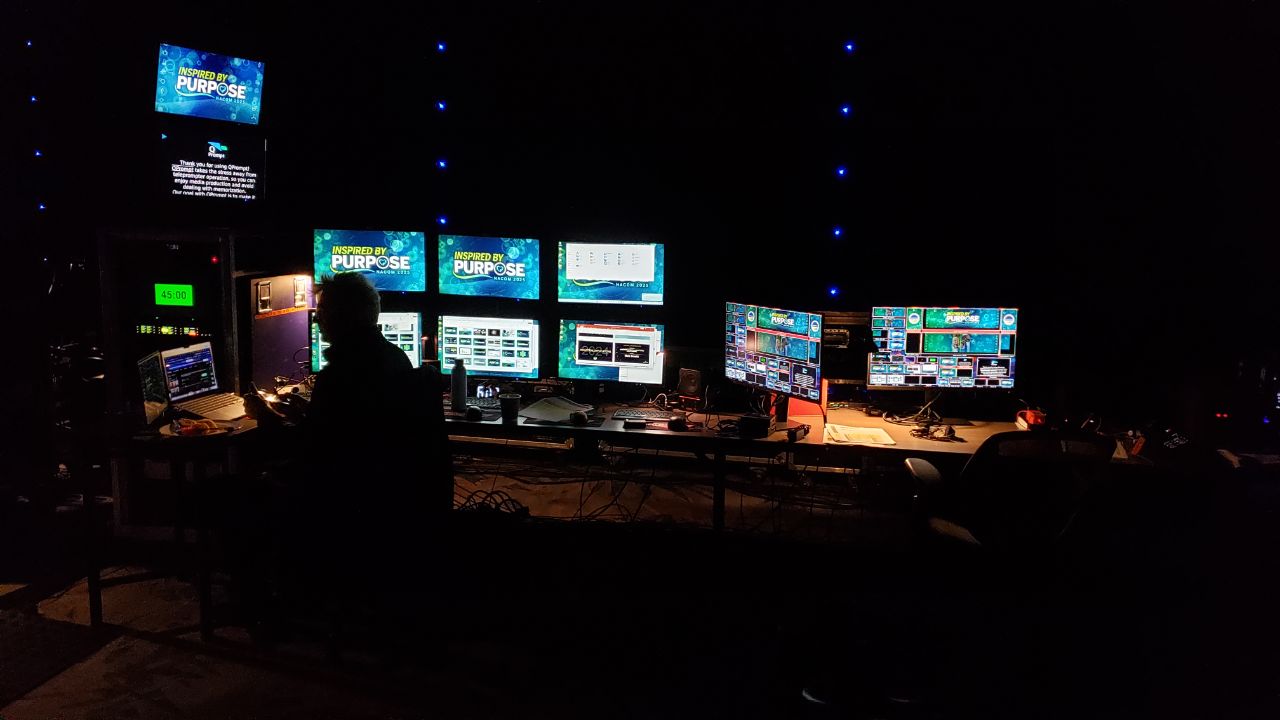
While nothing beats dedicated hardware for screen duplication. However QPrompt let's you prompt to multiple screens connected to your computer. For dedicated hardware for screen duplication, we recommend Decimator. We are not sponsored by them, but members of our community love their screen duplicators.
Thanks to a worldwide community, QPrompt is available in many of the world's most commonly spoken languages. German, Portuguese, Spanish, French, Chinese, Czech, Ukranian and Russian have fairly complete translations. You can contribute translations if you like.
In addition to being translated, QPrompt comes with fonts that allow you to prompt text in writing systems of over 180 languages. RTL writing systems are officially supported.
Why QPrompt?
High Performance
Native support for Linux, Windows, and macOS ensures smooth animations even on low-end hardware.
Transparent Mode
Make the background semi-transparent for video calls or overlaying on other apps.
Eye Contact
Adjustable reading area keeps your eyes focused on the camera, not darting left and right.
Rich Text
Copy-paste formatted text from popular office suites.
Accessibility
Includes OpenDyslexic font and reading guides to assist readers with dyslexia.
Full Control
Customizable keyboard shortcuts to integrate with presentation clickers and controllers.
Support Donating
If you enjoy using QPrompt, donating is a helpful way to give back. This helps cover infrastructure and hardware needed for testing and development.
One time donations get you a personal thanks, while Patreon supporters get access to early development builds.
Need assistance?
Join our community chats. Ask questions to members of the community. Share resources and tips with other creators.